 Log Lion
Professional log analysis for Windows teams.
Log Lion helps IT, security and forensics teams investigate Windows Event Logs, ETW traces, firewall and web server logs, JSON and nearly any text log, with color that shows the pattern before you search for it.
 Get it from the Microsoft Store
Free trial. Annual team subscriptions. Windows 10 and 11. Log files are never modified.
Made for people who read logs for a living
IT administrators
Browse live event logs, follow growing server logs, and open IIS, CSV and compressed logs as they are.
Security and incident response
Filter a Security log to failed logons, color by account or address, and see when an attack started on the timeline.
Digital forensics
Log Lion never writes to a log. Open collected .evtx files, and legacy .evt files left unclosed by a crash.
Software developers
Capture debug output live, and open JSON Lines, logfmt, HAR and BSON with nested fields as columns.
Color does the reading
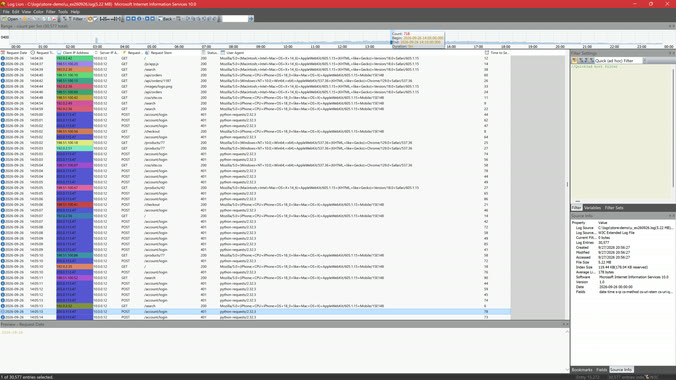
Event Viewer and text editors give you row after row of the same gray text. Log Lion colors it for you, with nothing to set up.
- Syntax highlighting
- Numbers, quoted strings, name=value pairs, GUIDs and hex values each get their own color inside every message, so the value you need stands out in a dense line.
- Color by column
- Pick a column and every distinct value gets its own color. By thread, interleaved work separates into strands. By session, one transaction stays visible without hiding what happened around it.
- Highlight rules
- Mark every match of a regular expression at once, several rules together, each in its own color.
- Color a filter
- Color what a filter matches instead of hiding everything else, so you never lose the context.
Colors carry through when you copy or export to HTML and RTF, ready to paste into a ticket or a report.
Built for Windows logs
Log Lion was made on Windows, for Windows, and reads its logs natively.
- Event Logs, live and from filesApplication, System, Security and other classic logs, plus .evtx files collected from other machines.
- Legacy event log files.evt files read directly, including ones left unclosed by a crash or power loss.
- ETW event traces.etl captures from logman, wpr, xperf and Performance Monitor, decoded with provider, level, process and message.
- Windows Defender FirewallFound automatically for every profile with logging turned on.
- Debug outputOutputDebugString captured live, including from Windows services.
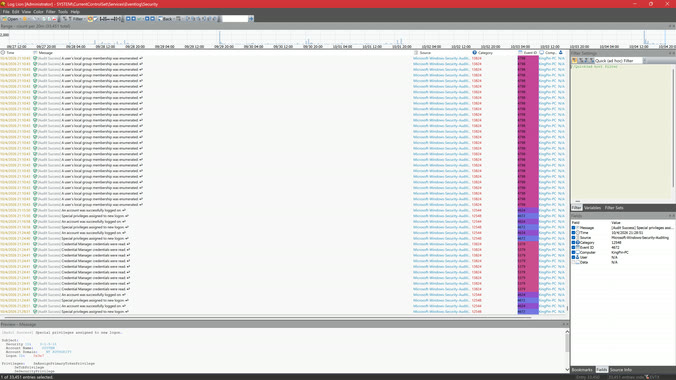
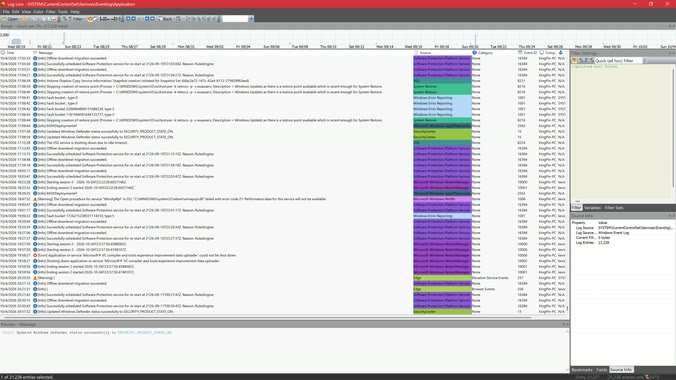 Reading the Application event log
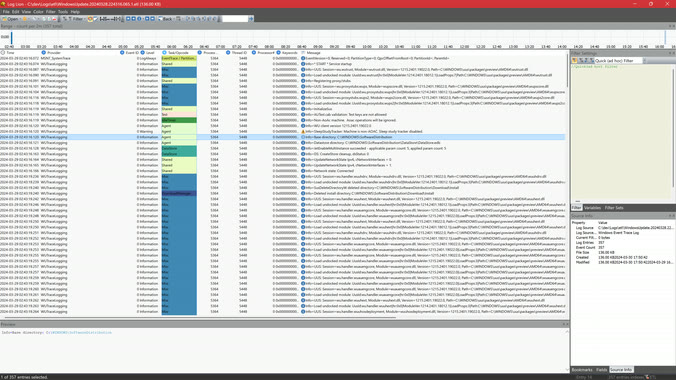 Decoding an ETW trace
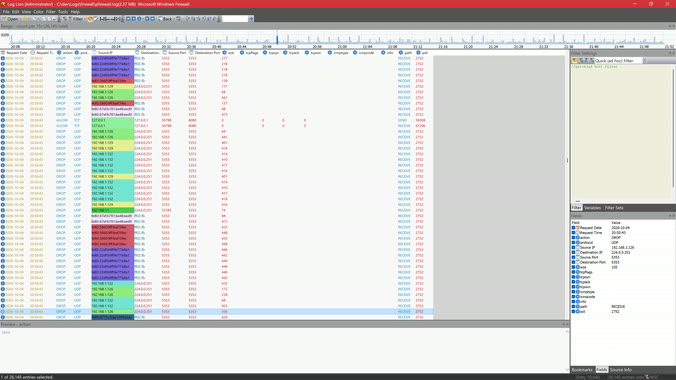 Blocked traffic in the firewall log
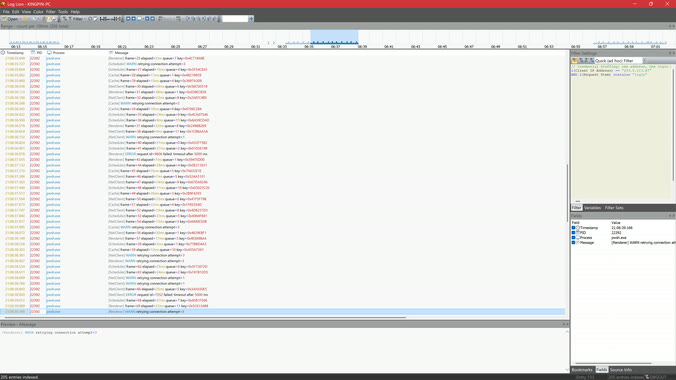 Capturing debug output live
More than Windows
IIS and W3C web server logs, CSV, TSV, JSON Lines, logfmt, HTTP Archive and MongoDB BSON files open with their structure intact. SQL Server, PostgreSQL, MySQL, Oracle and SQLite tables open over ODBC.
Anything else, teach Log Lion once with the import wizard: it detects the time, fields and message for you. See how
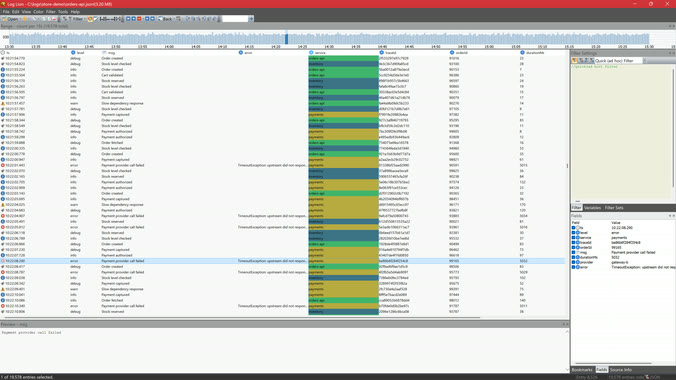 Coloring a JSON log by service
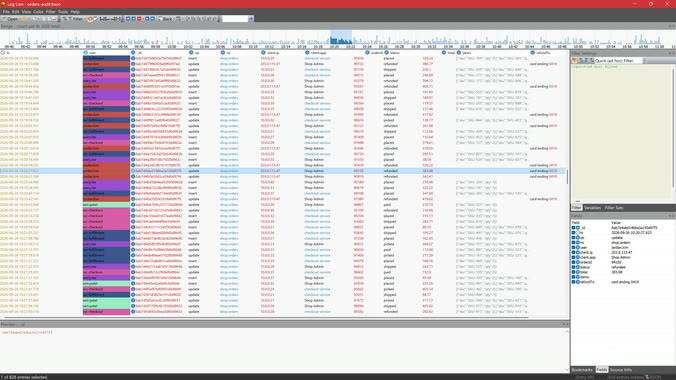 A MongoDB BSON audit trail
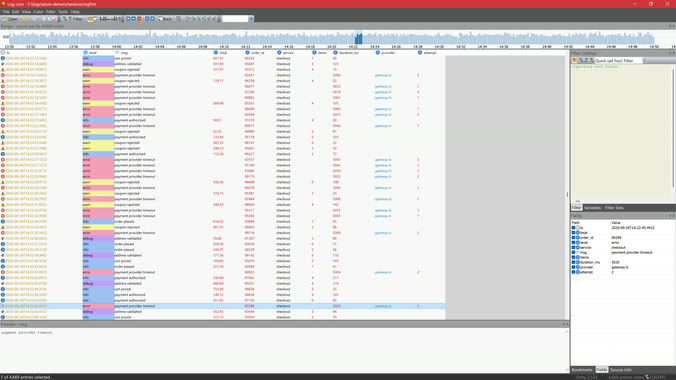 Payment timeouts in a logfmt log
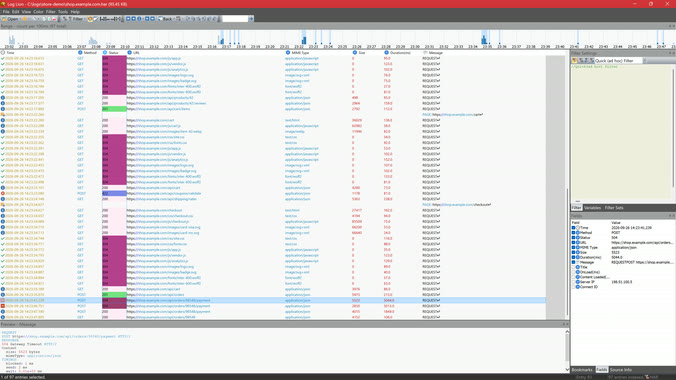 A browser session from a HAR file
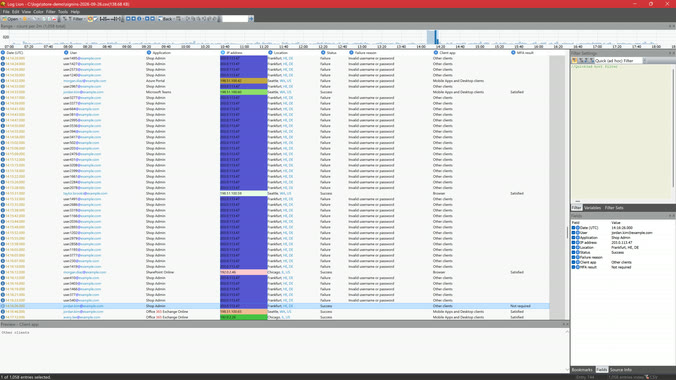 A password spray in a CSV export
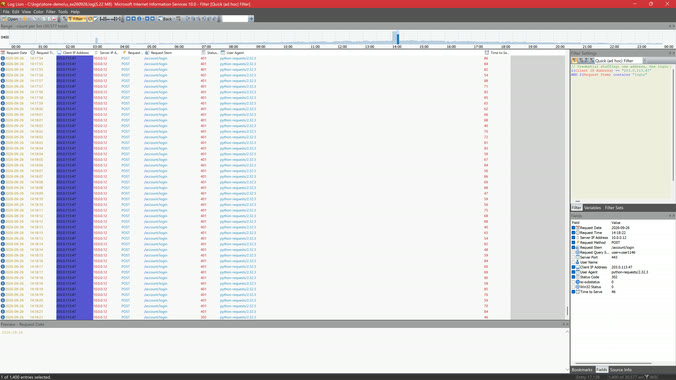 Filtering a web server log
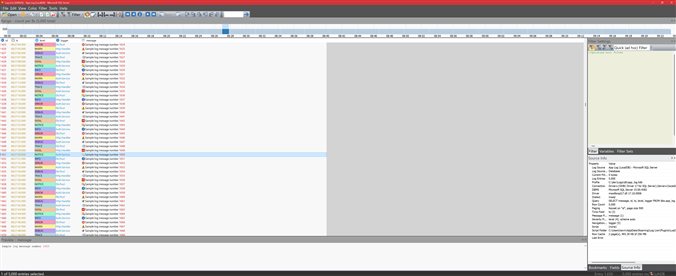 Reading a SQL table
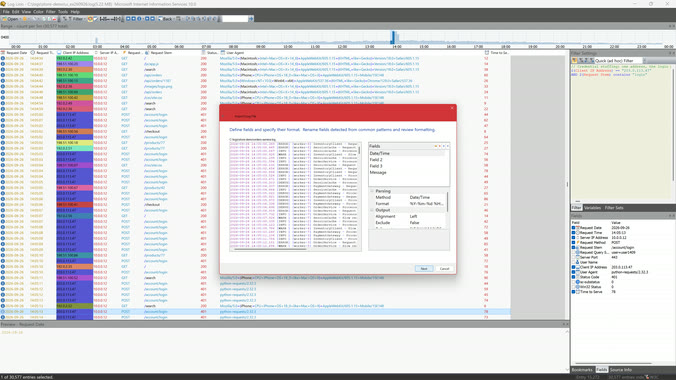 Importing a custom format
Enterprise extensions
Read the systems your services run on, not only the files they leave behind. Enterprise extensions are built and signed by Regal Logic and come with Teams and organizations licenses. Docker comes with Personal too.
- DockerEvery container in a compose project, or the ones you pick, from this computer's engine or a remote one. Their lines merge by time, follow live, and each container gets its own color. JSON and logfmt lines open as fields.
- SplunkEvents from Splunk Enterprise or Splunk Cloud, searched through its REST API and shown beside your other logs. Filters run in the Splunk search where they can, and new events follow live. It only ever reads.
- Grafana Loki and ClickHouseLogs stored in Loki or ClickHouse, read through a Grafana MCP server after you sign in to Grafana in your browser, with no database credentials of its own. Filters run on the server as LogQL or SQL, and new rows follow live.
- New RelicLogs stored in New Relic, queried with NRQL and shown beside your other logs. Filters run in New Relic over the whole time range, and new logs follow live.
- OpenObserveLogs in OpenObserve, self-hosted or in OpenObserve Cloud, searched with SQL. Filters run on the server, and new logs follow live.
Save a connection as a file (.docker, .splunk, .gmcp, .newrelic or .openobserve) to open it again or share it with your team, and decode each Docker service's lines your own way.
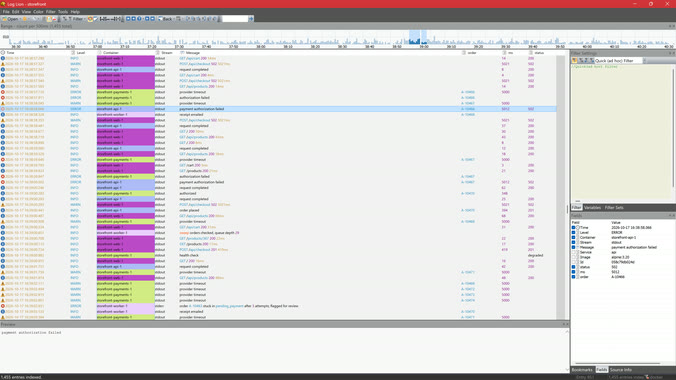
Try Log Lion for free
Start with the free trial from the Microsoft Store. New in 3.1: ETW traces, firewall logs, SQL databases and more. See what's new.